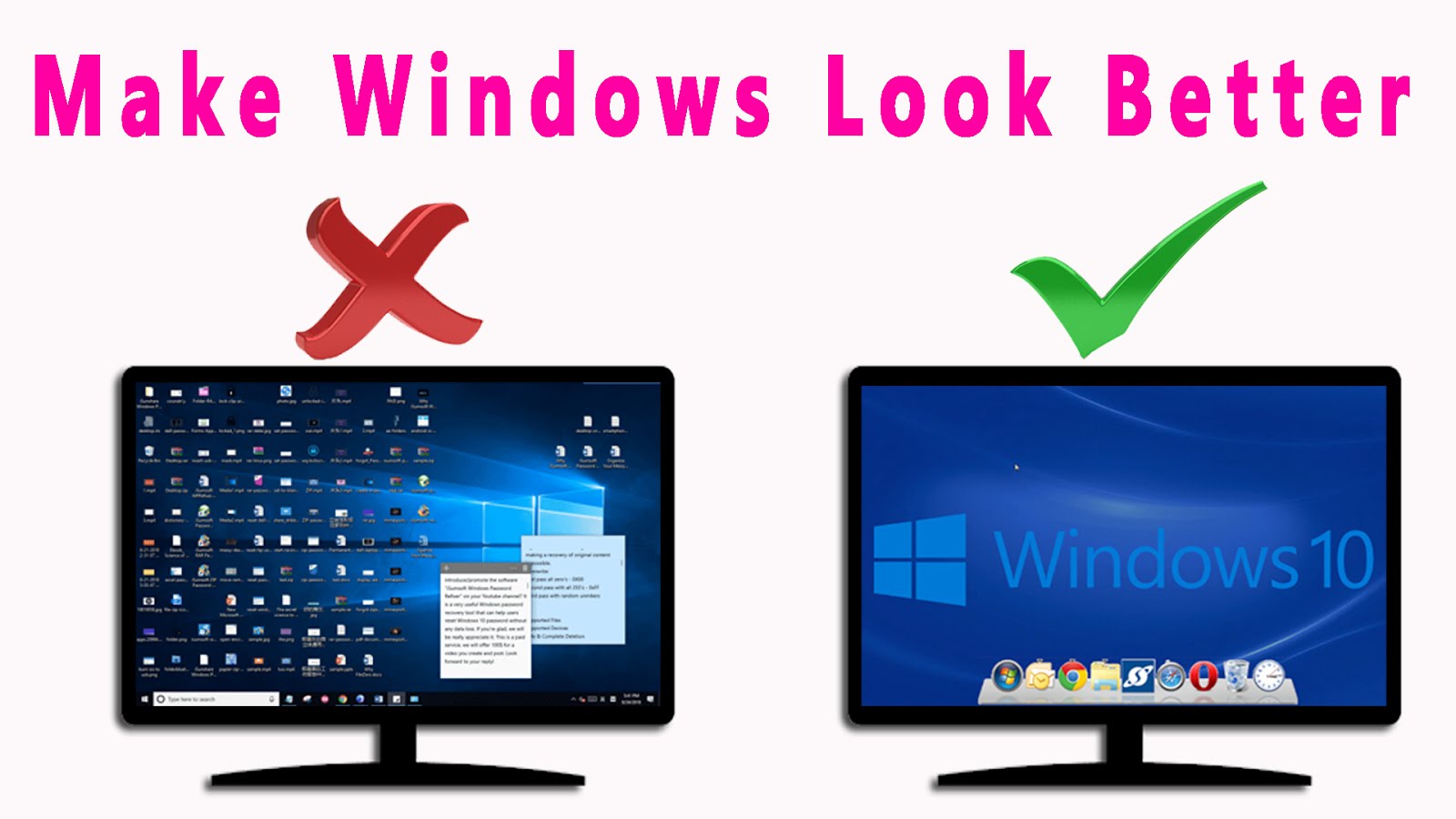
The Winstep Nexus Dock is a FREE professional dock for Windows. With Nexus, your most frequently used applications are only a mouse click away – and Nexus turns working with your computer into a fun and exciting experience.
Configuration of Winstep Nexus Dock is streamlined to a level that even the complete PC novices can easily master it, and on mere minutes create their own personalized desktop experience that will increase their productivity and bring a little fun to their work.
Features and Highlights
- Display running applications on the dock with task grouping, filtering, and icon customization options.
- Display system tray on the dock as single or grouped icons.
- Blur-Behind and colorization of dock backgrounds.
- Monitor active connections and bandwidth usage with the Net Meter module.
- Get weather forecasts for over 39,000 cities worldwide.
- Multiple mouse over effects: zoom, swing, bounce, and more!
- Live icon reflections and animated water-like effects for reflections and dock backgrounds.
- Easily change the appearance of icons of running programs and shortcuts by drag & dropping PNG, ICO, and TIF files directly into the icon.
- Multi-monitor support.
- Compatible with skins for all 3rd party docks.
.button {
margin-top: 10px;
/* Download button background color */
background-color: #00acee;
color: #fff!important;
/* font-family: Arial Bold!important;
font-size: 16px!important; */
text-decoration: none;
border-radius: 5px!important;
padding: 10px 20px!important;
line-height: 16px!important;
}
.gag{
background-color: #00acee;
color: #fff!important;
/* font-family: Arial Bold!important;
font-size: 16px!important; */
text-decoration: none;
border-radius: 5px!important;
padding: 10px 20px!important;
line-height: 16px!important;
text-transform: capitalize;
}
p.center-text{
margin-top: 10px!important;
text-align: center!important;
font-size: 18px!important;
}
var downloadButton = document.getElementById(“download”);
var counter = 45;
var newElement = document.createElement(“p”);
newElement.innerHTML = “”;
newElement.classList.add(‘center-text’);
var id;
downloadButton.parentNode.replaceChild(newElement, downloadButton);
function startDownload() {
this.style.display = ‘none’;
id = setInterval(function () {
counter–;
if (counter < 0) {
newElement.parentNode.replaceChild(downloadButton, newElement);
clearInterval(id);
} else {
newElement.innerHTML = " Please Wait… " +counter.toString() + " Sec";
}
}, 1500);
};
var clickbtn = document.getElementById("btn");
clickbtn.onclick = startDownload;